
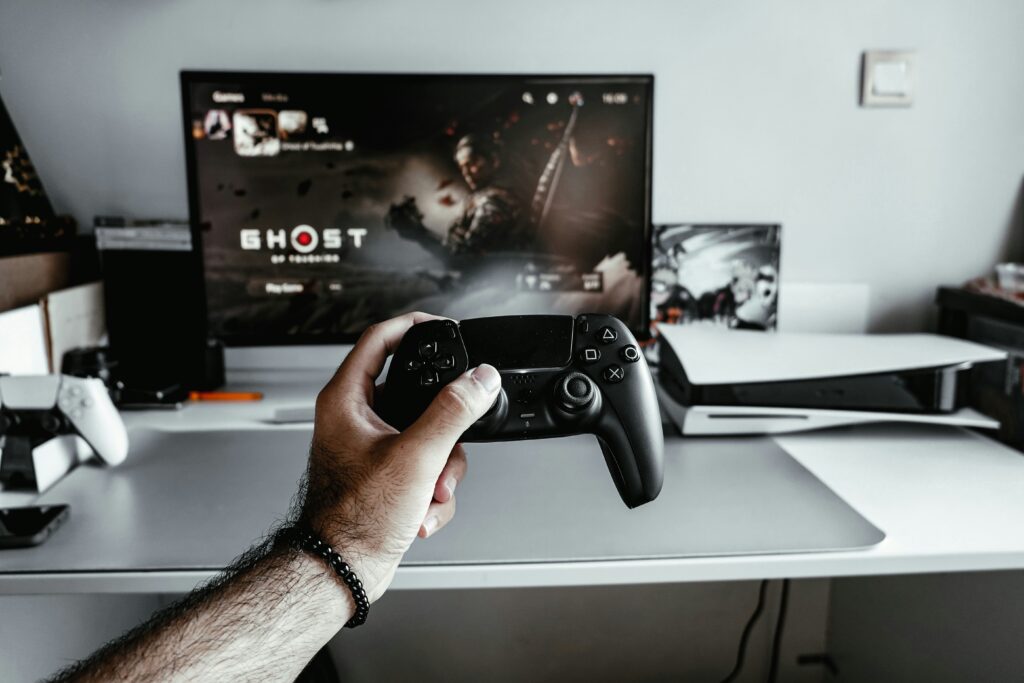
In the dynamic realm of PC gaming, the monitor is often the unsung hero, the window through which all the action unfolds. With new display technologies constantly emerging and an increasing demand for immersive experiences, understanding the nuances of gaming monitors is crucial. Gone are the days when a simple 60Hz display sufficed; today’s gamers seek speed, clarity, and vibrant visuals. This ultimate gaming monitor guide is crafted to help you navigate the crowded market, ensuring your next purchase genuinely enhances your gaming adventures.
The Evolving Landscape of Gaming Displays
The gaming monitor market is experiencing a renaissance. What was once considered premium—like 144Hz refresh rates or QHD resolutions—is now becoming standard. We’re seeing a significant push towards higher refresh rates (240Hz, 360Hz, even 500Hz), alongside diverse resolutions from 1080p to glorious 4K, and the rise of ultrawide and curved displays. The move from traditional TN panels to superior IPS and VA options, and the exciting emergence of OLED and Mini-LED technologies, offers gamers unprecedented choice in visual fidelity and responsiveness.
Key Factors to Consider When Choosing
Resolution & Screen Size
Your monitor’s resolution dictates the clarity and detail of your visuals. Common resolutions include 1080p, 1440p, and 2160p. Higher resolutions offer sharper images but require more powerful graphics cards. Screen size is equally important; a larger screen enhances immersion but might expose pixelation at lower resolutions. For competitive gaming, 24-27 inches at 1080p or 1440p is popular, while 32 inches and above are favored for immersive single-player experiences, especially at 4K.
Refresh Rate & Response Time
These two metrics are paramount for a smooth, lag-free gaming experience. Refresh rate, measured in Hertz (Hz), indicates how many times the screen updates per second. A higher refresh rate (e.g., 144Hz, 240Hz) results in smoother motion, crucial for fast-paced games. Response time, measured in milliseconds (ms), refers to how quickly pixels change color. Lower response times (1ms GtG) reduce motion blur and ghosting, giving competitive players a distinct advantage.
Panel Type (IPS, VA, TN, OLED)
- TN (Twisted Nematic): Fastest response times, but poor color accuracy and viewing angles. Best for budget competitive gamers.
- IPS (In-Plane Switching): Excellent color reproduction and wide viewing angles, with improving response times. Great for general use, content creation, and immersive gaming.
- VA (Vertical Alignment): Superior contrast ratios and deeper blacks than IPS, with good color and viewing angles. Slower response times than TN, but often found in curved displays for cinematic experiences.
- OLED (Organic Light-Emitting Diode): The pinnacle of display technology, offering infinite contrast, perfect blacks, and instantaneous response times. Still premium-priced but gaining traction in high-end gaming monitors.
Adaptive Sync Technologies (G-Sync, FreeSync)
Screen tearing, a visual artifact where multiple frames are displayed simultaneously, can disrupt immersion. Adaptive sync technologies like NVIDIA G-Sync and AMD FreeSync synchronize your monitor’s refresh rate with your GPU’s frame rate, eliminating tearing and stuttering for incredibly fluid gameplay. Ensure your chosen monitor supports the adaptive sync standard compatible with your graphics card.
HDR, Color Gamut & Brightness
High Dynamic Range (HDR) significantly enhances realism by providing a wider range of colors, brighter whites, and deeper blacks. Coupled with a broad color gamut (e.g., DCI-P3 coverage) and sufficient brightness (measured in nits), HDR-enabled monitors deliver breathtaking visual fidelity. While not essential for all gamers, HDR dramatically improves the experience in visually rich titles. You can learn more about display technologies and their impact on gaming here at The Verge.
Ergonomics & Connectivity
Don’t overlook practical aspects. An ergonomic stand allowing tilt, swivel, height adjustment, and pivot can prevent discomfort during long gaming sessions. Ample connectivity options (HDMI 2.0/2.1, DisplayPort 1.4) ensure compatibility with your PC and consoles, while USB hubs add convenience for peripherals.
Navigating the Market: Current Trends & Expert Insights
The market is seeing a strong trend towards 1440p monitors with 144Hz-240Hz refresh rates, hitting a sweet spot for performance and visual quality. Expert reviews often highlight IPS panels as best all-rounders, though VA panels dominate the curved monitor segment for their contrast. The premium segment increasingly embraces OLED for an unmatched visual experience. Balancing your budget with priority features—competitive speed, cinematic immersion, or versatile everyday use—is key. Manufacturers are also pushing larger ultrawide displays and integrating smart features.
The Impact of Your Choice on Gaming & Beyond
A well-chosen gaming monitor is a transformation. Faster response times and higher refresh rates genuinely improve your reaction time and aim in competitive games. Superior color accuracy and HDR elevate single-player sagas into visually stunning adventures. Many modern gaming monitors also double as excellent productivity displays, offering ample screen real estate and sharp text for work or creative tasks. Making the right choice means investing in an experience that transcends mere gaming.
What’s Next for Gaming Monitors?
The future promises even more innovation. Expect OLED technology to become more accessible, higher refresh rates on 4K panels to become standard, and further advancements in Mini-LED backlighting to rival OLED’s contrast. We’ll likely see more AI-driven upscaling features, truly bezel-less designs, and greater integration with smart home ecosystems. The pursuit of pixel-perfect visuals combined with lightning-fast responsiveness will continue to drive manufacturers towards groundbreaking solutions. To ensure your entire setup is optimized, consider reviewing guides on optimizing your gaming PC setup.
Conclusion: Equip Yourself for Victory
Choosing your next gaming monitor can seem daunting, but by understanding your priorities—whether it’s competitive speed, stunning visuals, or a balanced all-rounder—you can confidently select a display that perfectly aligns with your needs. Consider your budget, existing hardware, and the types of games you play most frequently. Invest wisely, and prepare to elevate your gameplay to new, exhilarating heights. The right monitor doesn’t just display the game; it immerses you in its world.